
Put your TV playlist items on a schedule
May 15, 2025 • Taplist

Have you ever wanted your TVs to automatically switch to a different menu at a certain time of day? Or have you ever wanted to promote your upcoming karaoke night, but only during off-peak hours?
Great news: The most innovative TV menu system in the world just got better, with the launch of scheduled menu items.
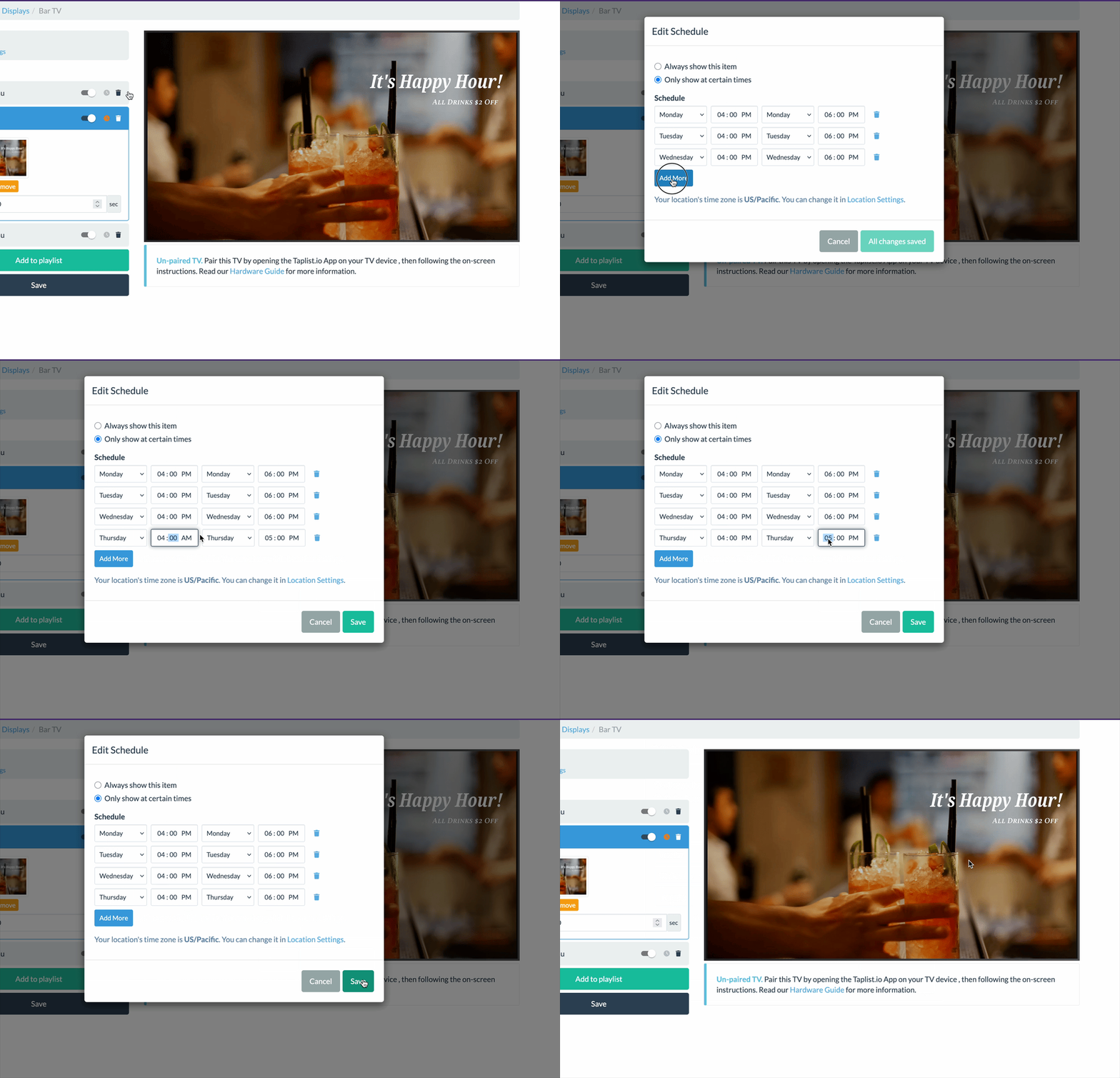
How It Works
When you manage your TV in the Display editor, you'll see a column called "Playlist". Most TVs have just one playlist item, but you can add more at any time: either additional menus, or full-screen image ads (like the "Happy Hour" advertisement above).
Press the clock icon on any playlist item to open the schedule editor. Once you set a schedule on a playlist item, that item will only show on your TVs during the hours you specify.
Availability
Scheduled menu items are available now, at no additional charge, on all current Pro plan accounts. If you are on a basic or legacy pro subscription, upgrade to instantly activate this feature.
For more information, see our Help Center article on Scheduled Menu Items.
More from the blog
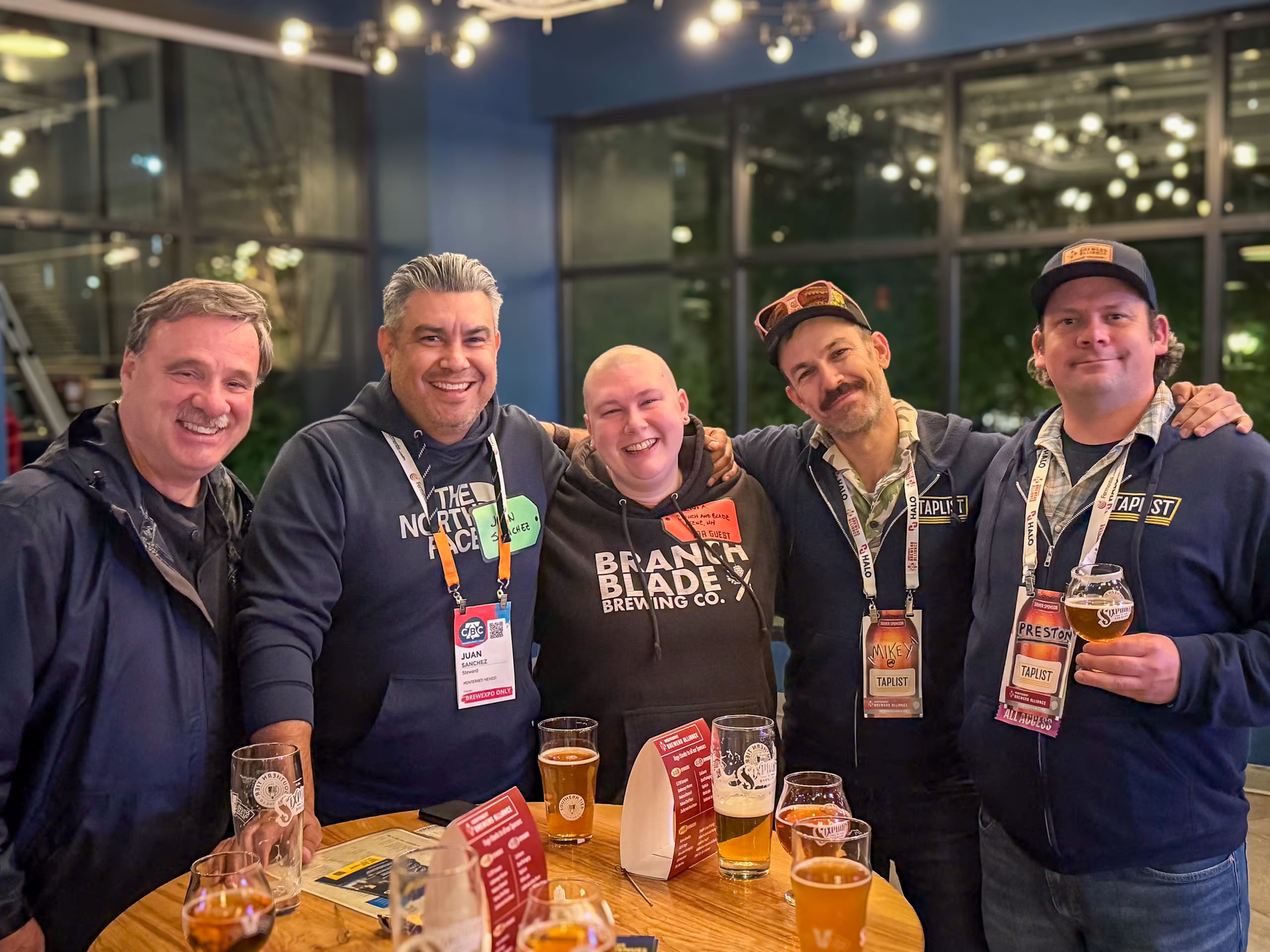
We came. We saw. We drank. Taplist does CBC 2026.
Five days in Philly with the independent beer community that built us. Taplist runs down CBC 2026.
May 4, 2026 • Taplist
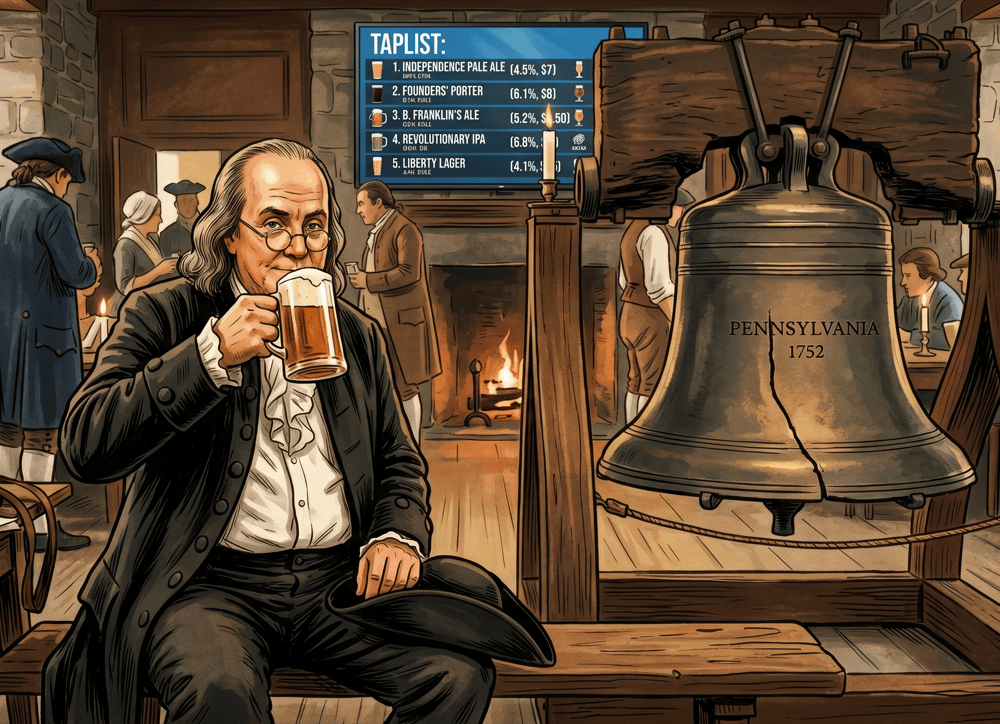
We're back at CBC — and powering the Official Beer Locator again
Next week, the craft beer industry takes over Philadelphia for the Craft Brewers Conference. We'll be there too, and it's shaping up to be Taplist's biggest show yet.
April 15, 2026 • Taplist
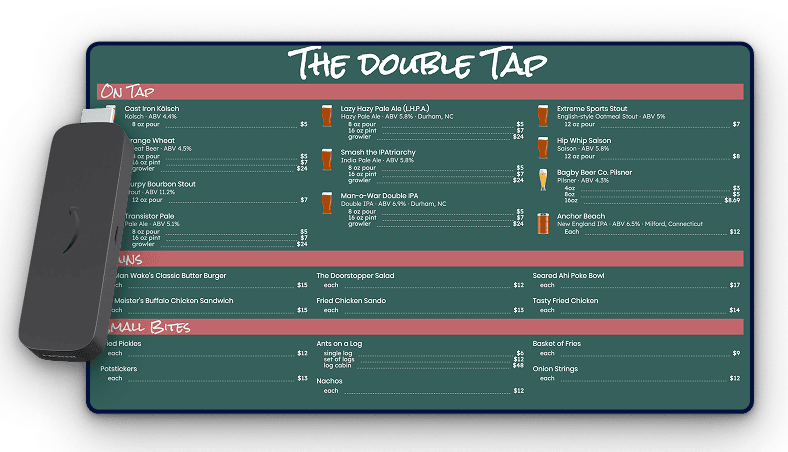
Taplist Now Pairing with Amazon Signage Stick
Taplist now works with Amazon Signage Stick—purpose-built hardware for breweries and bars managing multiple displays across one venue or multiple locations.
March 10, 2026 • Taplist
Amazing menus await
Backed by our money-back guarantee.
Understand why leading bars and breweries generate more sales and cut costs by using Taplist.io to manage their menus.